Your notes.
Beautifully read
on any iPhone.

Markdown Vault turns your Obsidian or Markdown files into a polished, offline-ready reading app — no custom dev required.

Free to start

No credit card

iOS & iPadOS

Offline-ready

One share link

Per vault
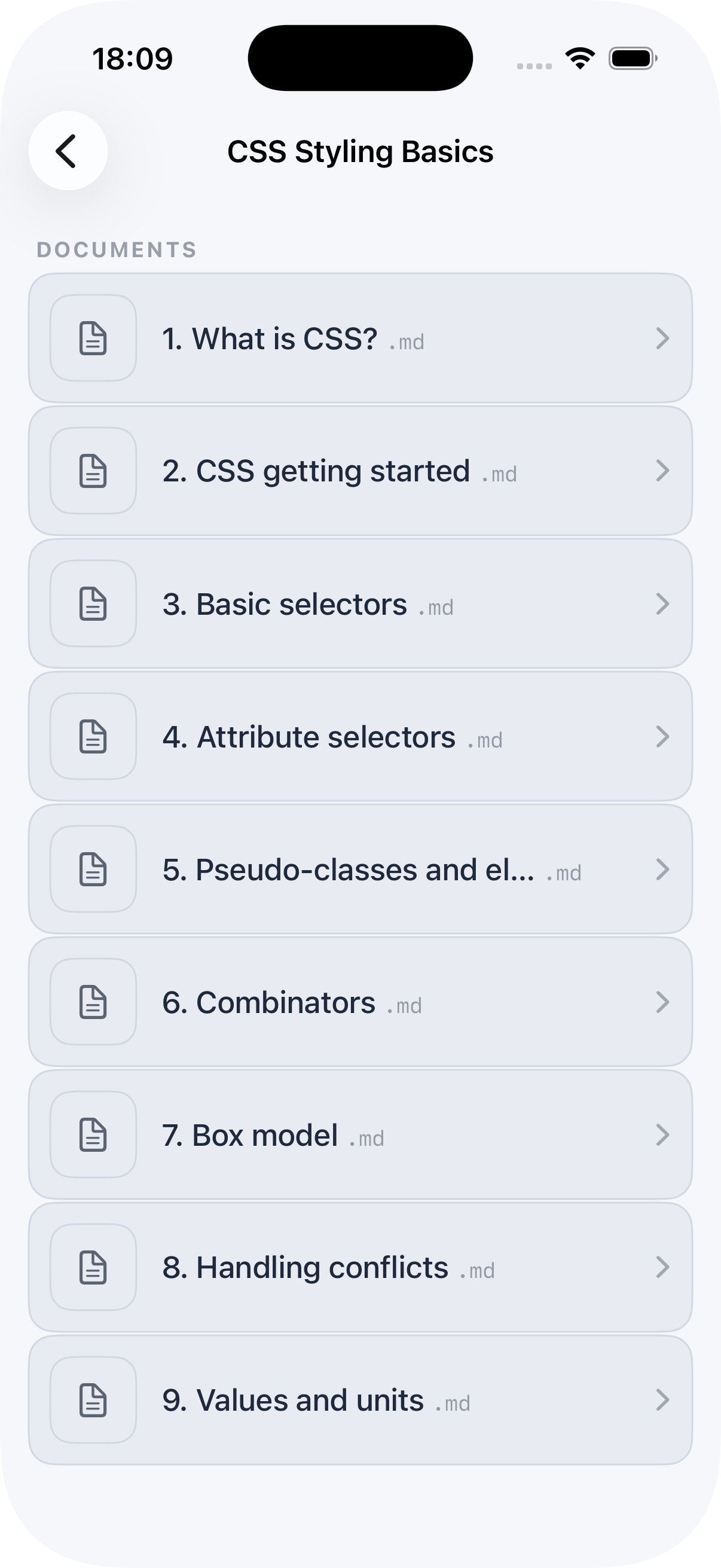
Markdown Vault app screenshot
HOW IT WORKS

Three steps from
notes to readers

1

Create a vault

Give your vault a name and description. Each vault is a publishable collection — for a course, a book, a knowledge base.

2

Upload your bundle

Drag in a .zip of your Markdown files — straight from Obsidian, iA Writer, or any text editor. We process it instantly.

3

Share one link

Copy your vault's public URL and share it anywhere. Readers tap to open the content in the Markdown Vault app.

FEATURES

Everything a creator needs

lock

Password-protected vaults

Gate content behind a password for private courses, paid communities, or internal teams. Plan-gated feature.

cycle

One-click bundle updates

Re-upload a new bundle and your published vault updates instantly. No migration, no downtime.

mobile_3

Native Apple experience

Readers get a clean, fast, offline-ready reading app on iPhone and iPad — not a mobile web page.

ios_share

One shareable link

Every vault gets a public URL you can post anywhere. No reader account needed to access content.

markdown

Markdown-native

Designed for Obsidian, iA Writer, Ulysses, or any Markdown workflow. Bring your existing files.

file_json

API upload flow

Programmatic upload via API key for teams building automation around content publishing.

WHO IT'S FOR

Made for people who already write in Markdown

If you write in Obsidian, iA Writer, Ulysses, or any plain-text tool, your content is already ready. Markdown Vault is the publishing layer you were missing.

menu_book

Writers

Distribute essays and long-form work in a reading-first format.

groups

Teams

Curate internal knowledge your team can access on the go.

school

Educators

Ship course notes your students read offline, anytime.

extension

Developers

Publish docs and guides right from your Markdown files.

Pricing

Choose the best plan

Markdown Vault is FREE to get started. If you need some additional capacity or features, there are a range of affordable plans to chose from.

Solo
$8 /month

For individuals

  • 1 Vault
  • 100 Markdown Files
  • 1GB Storage
  • Password Access Control
  • 24/7 Email Support
Author
$20 /month

For small teams

  • 3 Vaults
  • 200 Markdown Files
  • 1GB Storage
  • Password Access Control
  • 24/7 Email Support
Publisher
$50 /month

For large teams or groups

  • Unlimited Vaults
  • Unlimited Markdown Files
  • 10GB Storage
  • Password Access Control
  • 24/7 Priority Email Support
FAQ

Common Questions

Be sure to get in touch and let us know if you have any further questions or need any help. We're here to help you 24/7.

What Markdown tools does it work with?

Any tool that produces plain Markdown files — Obsidian, iA Writer, Ulysses, Typora, VS Code, or even a plain text editor. You bundle your .md files into a .zip and upload.

Do my readers need an account?

No. Readers just tap your share link and open the content in the Markdown Vault app. No sign-up, no login required on their end.

Is there a free plan?

Yes. You can create one vault and publish one vault at no cost, with no credit card required. Note that the free account has some size limitations and does not allow password access control.

How do I update my published content?

Simply re-upload a new bundle. The latest upload immediately replaces the published version — no downtime, no migration.

Is the app available on Android?

Currently, Markdown Vault is an Apple-platform experience — iPhone and iPad. Android support is not available yet although it is something we're actively considering.

What does password access control mean?

On paid plans, you can set a password for a vault. Readers are prompted to enter the password before accessing any content in the app.

Ready to publish
your notes?

Start free. No credit card required.
Your first vault is live in minutes.